Zapier Review 2026 – Features, Pricing, Pros & Cons
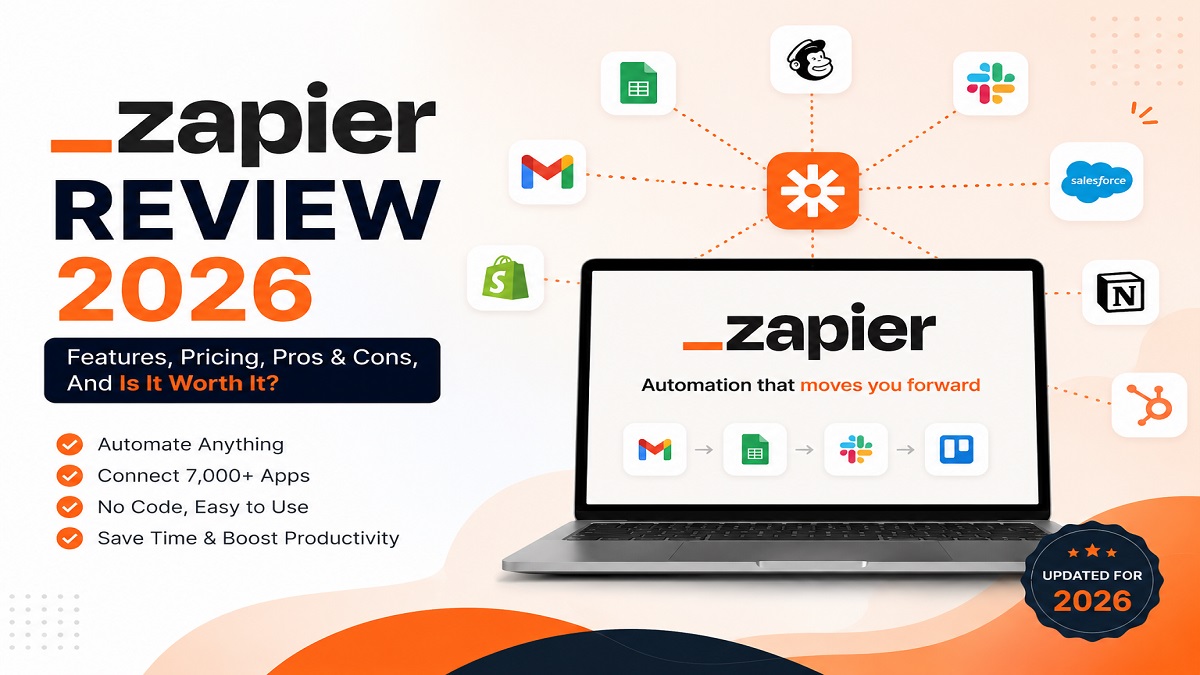
Zapier Overview
Zapier is a popular automation platform that helps users connect their favorite apps and automate repetitive tasks without writing code. It allows businesses, marketers, developers, and individuals to create automated workflows called “Zaps” that move information between thousands of applications. With Zapier, users can connect tools like email platforms, project management apps, CRMs, spreadsheets, and AI tools to save time and improve productivity.
The platform works using a simple trigger-and-action system. A trigger starts the workflow when something happens in one app, and Zapier automatically performs one or more actions in connected apps. For example, a new form submission can automatically create a task, send an email, update a spreadsheet, or notify a team member. Its no-code interface makes automation accessible even for non-technical users.
Zapier is widely used for workflow automation, business process optimization, lead management, customer support, and productivity improvements. It offers integrations with thousands of services, making it a flexible choice for companies looking to reduce manual work. While advanced automation features may require higher-priced plans, Zapier remains one of the most recognized automation tools for creating efficient digital workflows.
Zapier: Quick Verdict
Zapier is one of the best no-code automation platforms for connecting apps and simplifying repetitive workflows. Its huge app ecosystem, easy-to-use interface, and powerful automation features make it a great choice for businesses, teams, and individuals who want to save time without building complex code-based solutions.
However, Zapier can become expensive as automation needs grow, especially for users requiring advanced features, higher task limits, or premium integrations. Overall, it is a reliable and beginner-friendly automation tool that delivers strong value for improving productivity and streamlining everyday processes.
Pros of Zapier
- Easy-to-use no-code interface suitable for beginners and non-technical users.
- Connects with thousands of apps, tools, and online services for flexible automation.
- Saves time by automating repetitive tasks and reducing manual work.
- Powerful workflow builder with multi-step Zaps and customizable automation rules.
- Supports business workflows such as lead management, marketing, customer support, and team collaboration.
- Works with popular productivity and AI tools to improve efficiency.
- Reliable cloud-based platform that requires no software installation or maintenance.
Cons of Zapier
- Pricing can become expensive for users who need higher task limits or advanced automation features.
- Complex workflows may require time to configure and optimize properly.
- Some premium app integrations and features are limited to paid plans.
- Large automation workflows can consume tasks quickly, increasing subscription costs.
- Advanced users may find customization options limited compared with developer-focused automation platforms.
- Occasional errors can occur when connected apps change APIs or authentication settings.
- Not ideal for users needing highly complex custom workflows or full control over automation logic.
What is Zapier?
Zapier is a no-code automation platform that allows users to connect different applications and automate tasks between them. It helps individuals, businesses, and teams create automated workflows called “Zaps” that move data and perform actions across thousands of connected apps without requiring programming skills.
With Zapier, users can set up workflows where an event in one application triggers an automatic action in another. For example, a new customer entry in a CRM can automatically create a task, send an email notification, or update a spreadsheet. This makes it easier to manage repetitive processes and improve productivity.
Zapier is commonly used for marketing automation, project management, customer support, sales workflows, and business operations. Its simple interface and wide range of integrations make it a popular choice for users who want to streamline daily tasks and build efficient automated workflows.
Zapier Workflow
Zapier works through a simple trigger-and-action automation system. A workflow, known as a “Zap,” starts when a specific event happens in one connected app. This event acts as the trigger, which tells Zapier to automatically perform one or more actions in another app.
For example, when a user receives a new lead through a form, Zapier can automatically add the contact to a CRM, send a confirmation email, create a task for the sales team, and update a spreadsheet. These automated steps help reduce manual work and keep information synchronized across different platforms.
Users can build simple one-step automations or advanced multi-step workflows with filters, conditions, and custom rules. Zapier’s visual workflow builder makes it easy to create, manage, and monitor automation processes without writing code.
Key Features of Zapier
- Thousands of App Integrations: Zapier connects with thousands of popular apps, including productivity tools, CRM platforms, marketing software, communication apps, and AI services.
- No-Code Automation Builder: Users can create automated workflows without programming knowledge using a simple visual interface.
- Multi-Step Zaps: Create advanced workflows that perform multiple actions automatically after a single trigger event.
- Workflow Filters and Conditions: Add rules and logic to control when specific actions should run, making automations more flexible.
- AI-Powered Automation: Integrates with AI tools to help automate content creation, data processing, communication, and business tasks.
- Task Automation: Eliminates repetitive manual tasks such as copying data, sending notifications, updating records, and managing workflows.
- Real-Time Data Sync: Keeps information updated between connected applications to improve accuracy and efficiency.
- Team Collaboration: Provides tools for managing shared workflows and improving productivity across teams.
Zapier: Performance and Ease of Use
Zapier delivers strong performance as a cloud-based automation platform, handling workflows reliably across thousands of connected applications. Its automation engine quickly processes triggers and actions, helping users move data between apps and complete repetitive tasks with minimal manual effort.
The platform is designed with simplicity in mind, making it easy for beginners to create automations without technical knowledge. The drag-and-drop workflow builder, pre-built templates, and clear setup process allow users to create Zaps quickly and manage them efficiently.
- Fast Workflow Setup: Users can create automations in minutes using templates and guided steps.
- User-Friendly Interface: The clean dashboard makes it simple to build, edit, and monitor workflows.
- Reliable Automation: Zapier runs background workflows automatically and keeps connected apps synchronized.
- Scalable Workflows: Supports simple personal automations as well as complex business processes.
- Beginner Friendly: No coding experience is required to automate common tasks and processes.
Key Specifications of Zapier
- Category: No-Code Automation and Workflow Management Platform
- Primary Use: Automating repetitive tasks and connecting multiple applications
- Automation Type: Trigger-based workflows (Zaps) with automated actions
- App Integrations: Supports thousands of third-party applications and services
- User Interface: Web-based visual workflow builder with no coding required
- Workflow Support: Single-step and multi-step automation workflows
- Advanced Features: Filters, paths, conditional logic, scheduling, and data formatting
- AI Capabilities: AI-powered automation features and integrations with AI tools
- Deployment: Cloud-based platform accessible through web browsers
- Supported Users: Individuals, startups, businesses, and enterprise teams
- Pricing Model: Free plan available with paid plans offering higher task limits and advanced features
Zapier Pricing
Zapier offers multiple pricing plans designed for individuals, small businesses, and larger teams. The platform provides a free plan with basic automation features, while paid plans unlock higher task limits, advanced workflows, premium apps, and additional automation capabilities.
Free Plan
- Basic automation workflows
- Limited monthly tasks
- Access to core app integrations
- Suitable for testing simple automations
Professional Plan
- Higher task limits for growing automation needs
- Multi-step workflows
- Advanced automation features and filters
- Better options for individual professionals and small teams
Team Plan
- Designed for collaboration and team workflows
- Shared workspaces and automation management
- Improved workflow control and permissions
- Suitable for businesses managing multiple users
Enterprise Plan
- Custom solutions for large organizations
- Advanced security and administration features
- Dedicated support options
- Built for complex business automation requirements
Pricing Value: Zapier provides excellent flexibility and convenience, but costs can increase as automation volume grows. Users with heavy workflows should compare task limits and features carefully before choosing a plan.
Who Should Use Zapier?
Zapier is ideal for anyone who wants to automate repetitive tasks, connect different applications, and improve productivity without learning programming. Its simple no-code approach makes it useful for individuals, teams, and businesses that want to streamline everyday workflows.
- Small Businesses: Businesses can automate sales, marketing, customer support, and administrative tasks to save time and reduce manual work.
- Marketers: Marketing teams can automate lead collection, email campaigns, social media tasks, and customer engagement workflows.
- Sales Teams: Sales professionals can connect CRMs, forms, email tools, and reporting systems to improve lead management.
- Freelancers and Individuals: Solo users can automate personal productivity tasks and manage multiple online tools efficiently.
- Remote Teams: Teams can improve collaboration by automating notifications, project updates, and workflow communication.
- Non-Technical Users: Anyone who wants powerful automation without writing code can create workflows easily using Zapier.
Zapier is especially useful for users who work with multiple online applications and want to eliminate repetitive processes through simple automated workflows.
Alternatives to Zapier
| Tool | Best For | Key Difference |
|---|---|---|
| Make (Integromat) | Advanced workflow automation | Offers more visual control and complex automation scenarios with flexible workflow design. |
| n8n | Developers and self-hosted automation | Provides open-source automation with greater customization and control. |
| Microsoft Power Automate | Business and enterprise workflows | Strong integration with Microsoft 365, Teams, and enterprise systems. |
| IFTTT | Simple personal automations | Best for basic app connections and smart home automation tasks. |
| Workato | Enterprise automation | Designed for large organizations requiring advanced integrations and governance. |
| Pipedream | Developer-focused automation | Combines automation workflows with code flexibility and API-based integrations. |
While Zapier is one of the easiest automation platforms for beginners, alternatives may be better for users who need open-source solutions, advanced customization, enterprise features, or lower-cost automation options.
Zapier vs Alternatives: Comparison
| Tool | Ease of Use | Integrations | Best For |
|---|---|---|---|
| Zapier | Excellent - beginner-friendly no-code interface | Thousands of app integrations | Businesses, marketers, teams, and general automation users |
| Make (Integromat) | Moderate - requires more workflow knowledge | Large number of integrations | Complex visual automation and advanced workflows |
| n8n | Advanced - better for technical users | Flexible integrations through APIs and nodes | Developers and users needing self-hosted automation |
| Microsoft Power Automate | Moderate - easier for Microsoft users | Strong Microsoft ecosystem support | Enterprise teams using Microsoft tools |
| IFTTT | Very easy - simple automation setup | Good for consumer apps and smart devices | Personal automation and basic workflows |
| Workato | Advanced - enterprise focused | Enterprise-level integrations | Large organizations with complex automation needs |
Overall: Zapier is the best choice for users who want a simple and reliable automation platform with a large app ecosystem. However, alternatives like Make and n8n may be better for advanced users who need deeper customization, while Power Automate and Workato are stronger options for enterprise environments.
Final Verdict on Zapier
Zapier is a powerful and user-friendly automation platform that makes it easy to connect apps and automate repetitive tasks without coding. Its huge integration library, simple workflow builder, and reliable performance make it one of the most popular choices for individuals, businesses, and teams looking to improve productivity.
While the platform offers excellent convenience, its pricing can become expensive for users with high automation requirements. Advanced users may also prefer alternatives that provide more customization and control. However, for most users who need quick, reliable, and accessible automation, Zapier remains a strong choice.
Overall Rating:
Try Zapier Now